How do post templates work?
Post templates help you quickly create publications with pre-filled settings. A template can save the post text, selected social networks, and accounts, so you can reuse them when creating new posts.
For example, you can create a post only for VKontakte accounts, add the required text, and save it as “Template for VK”. When you need to prepare a similar publication, select this template and the main settings will already be filled in.
How to create a post template?
- Create a new post.
- Select the social networks and accounts you want to save in the template. For example, only VKontakte accounts.
- Add the text and other data that should be saved in the template.
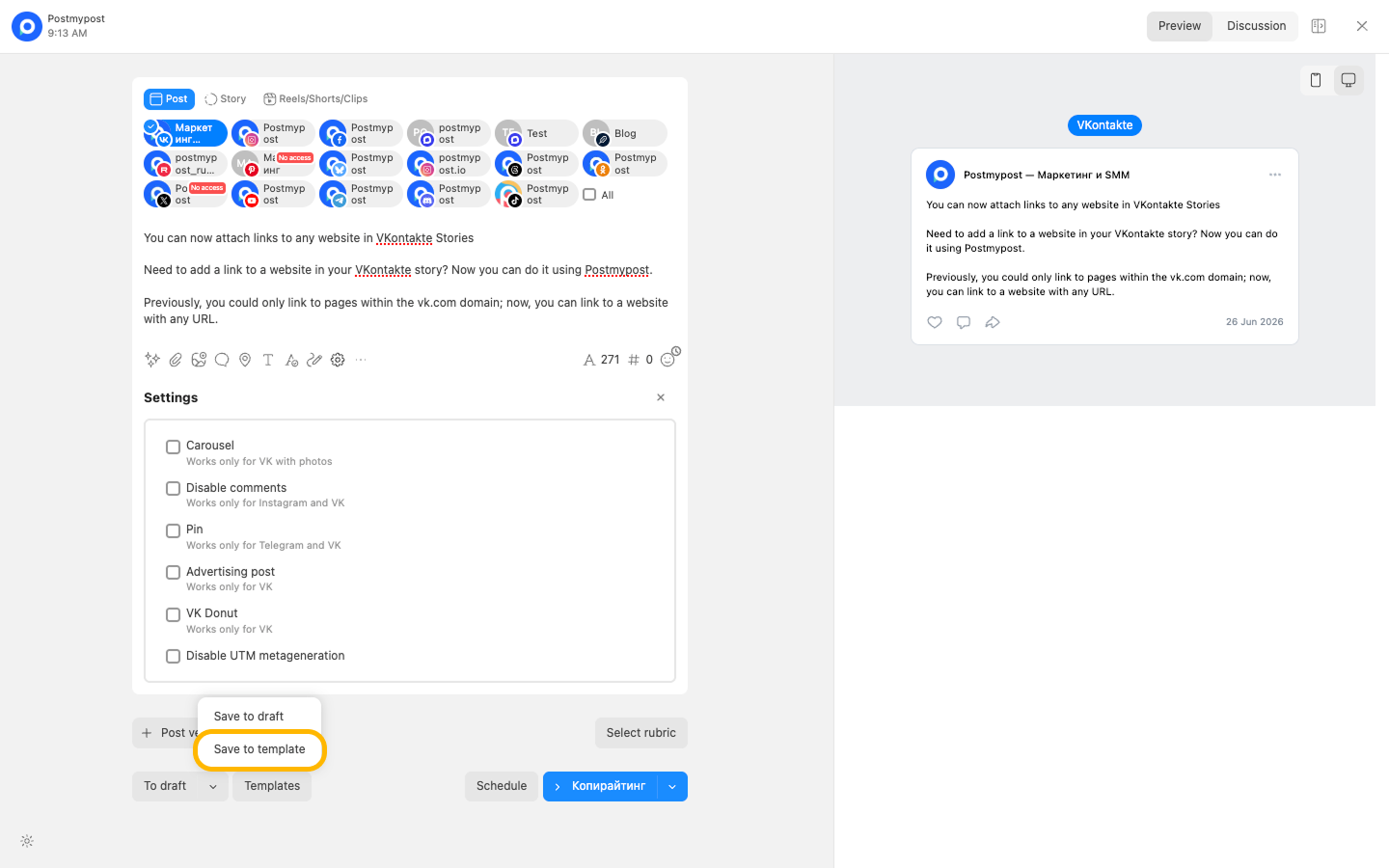
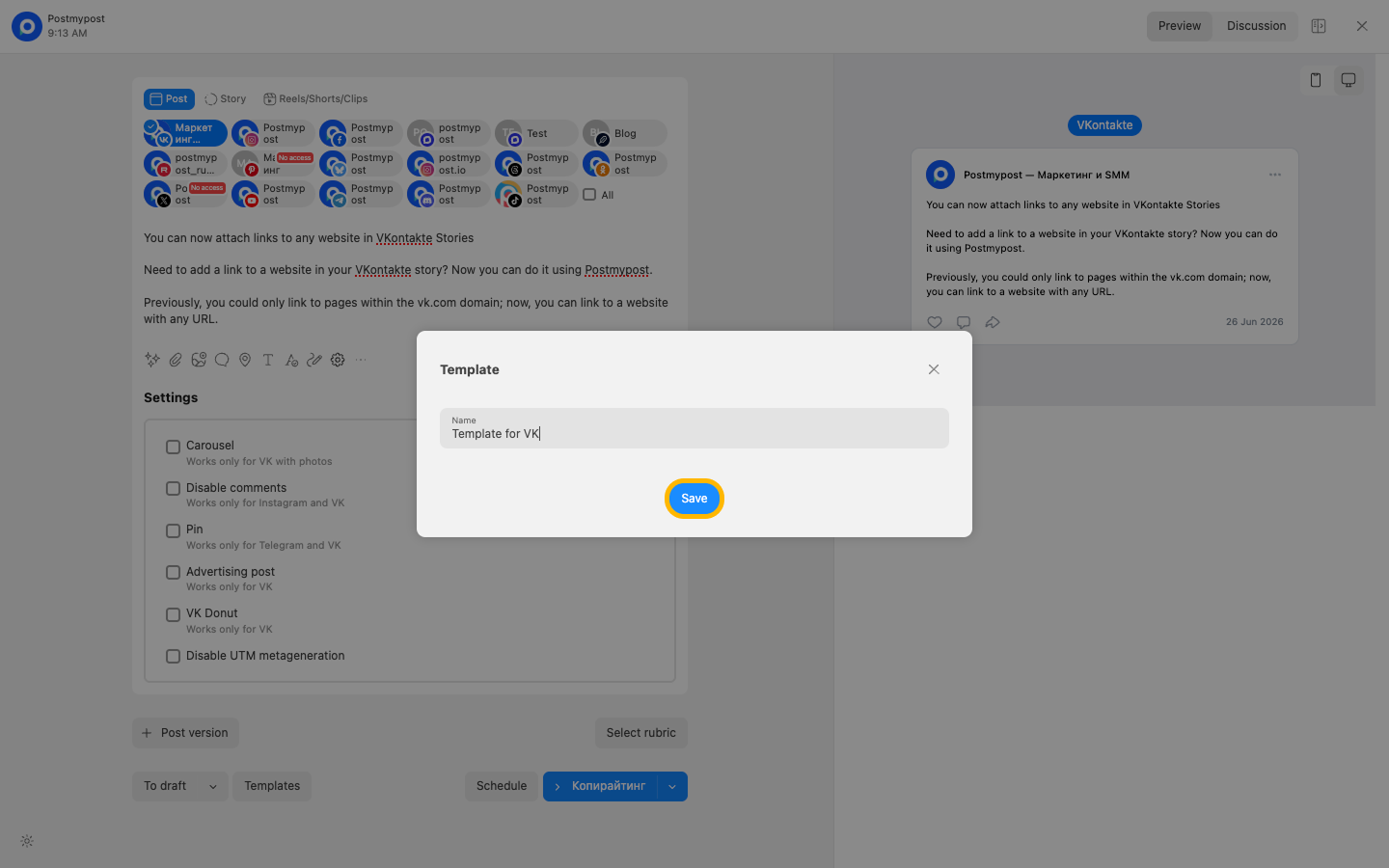
- Save the post as a template and enter a clear name, for example “Template for VK”.
How to use a template when creating a post?
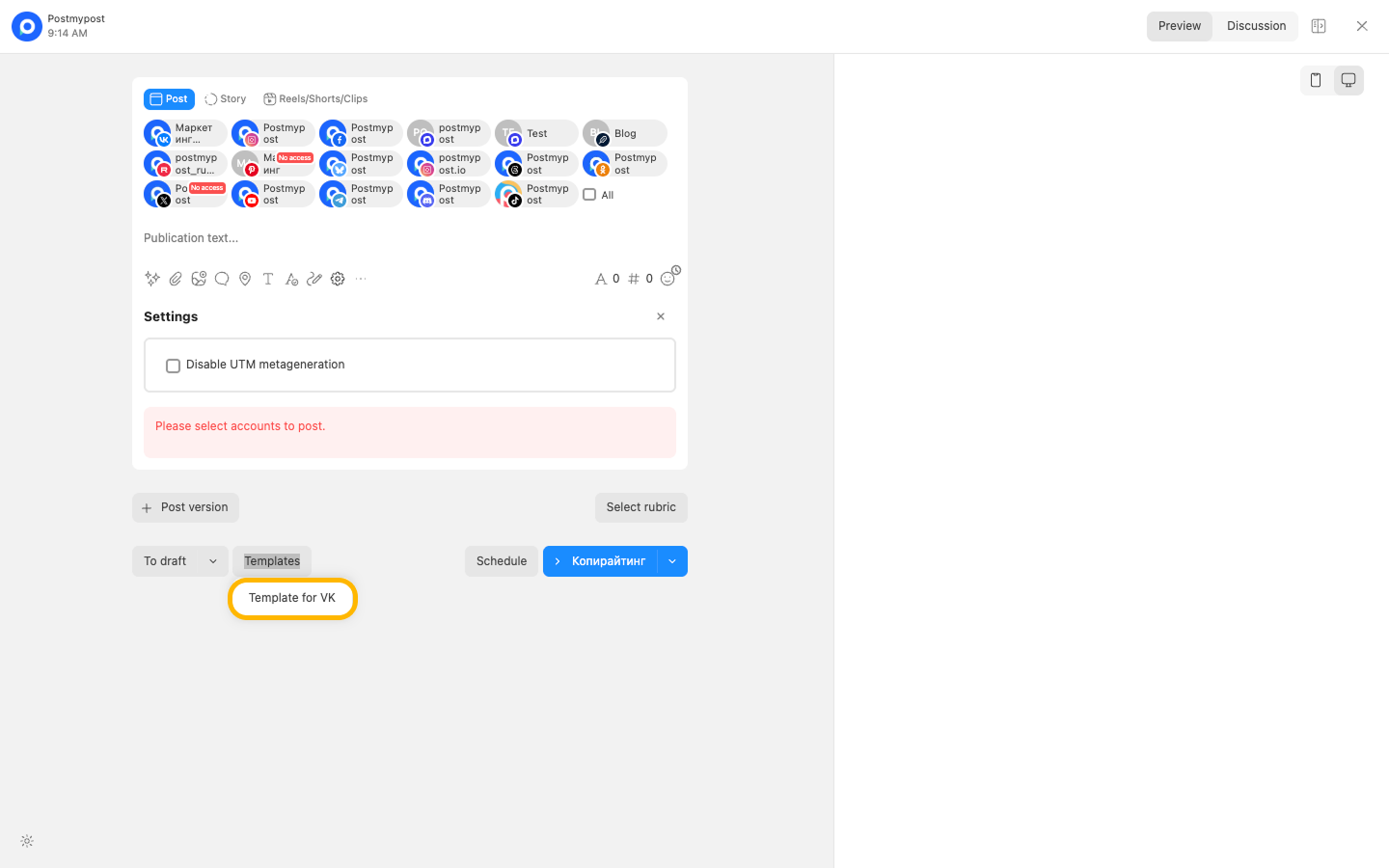
When creating a new publication, select the required template from the list. After you select it, the saved data will be inserted into the post: text, social networks, and accounts from the template.
If needed, you can change the text, add media files, select other accounts, or adjust any settings before publishing.
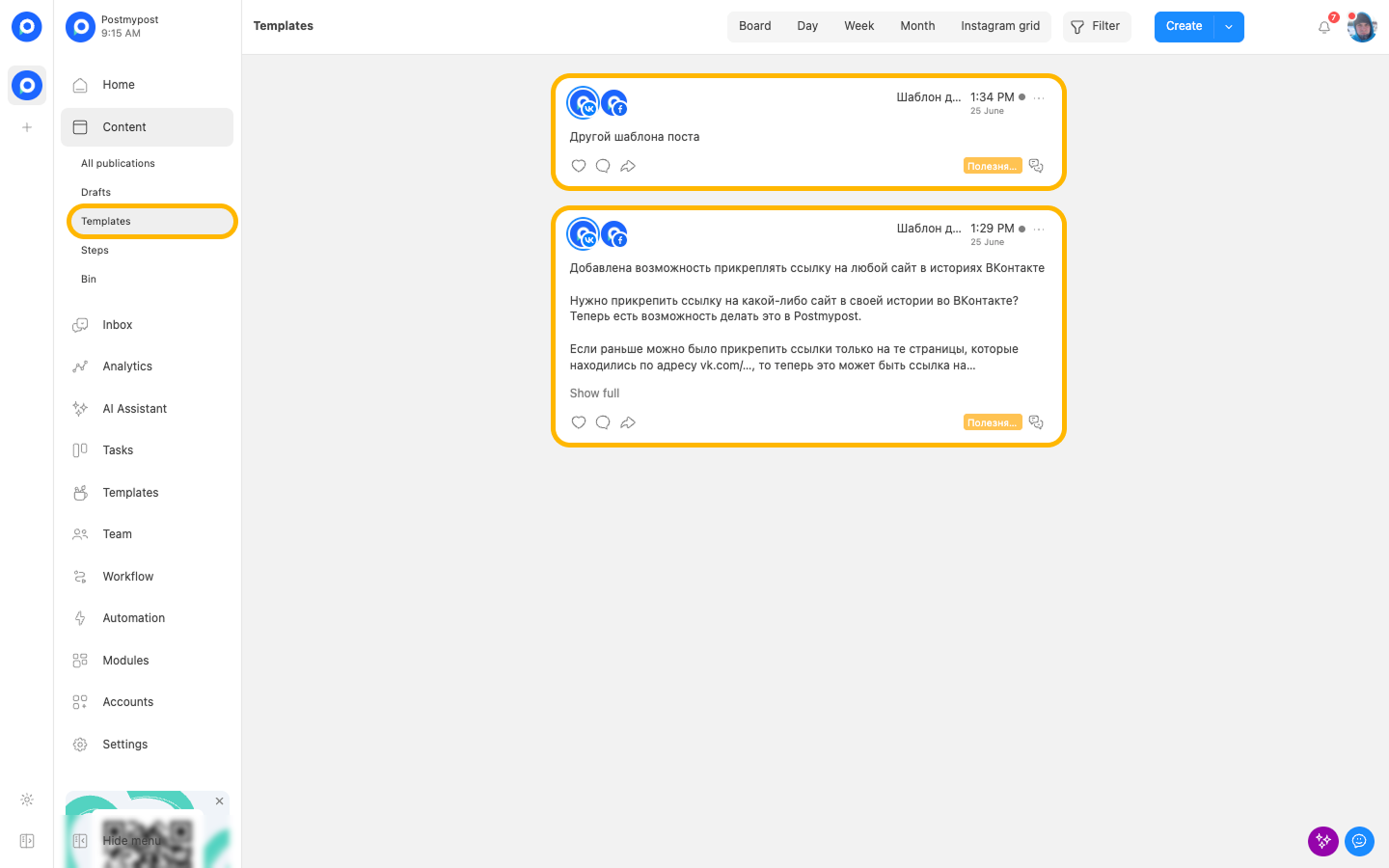
Where are templates stored?
All saved templates are stored in the “Templates” section. In this section, you can open a template and edit it if you need to change the text, social networks, accounts, or other saved settings.