Post History
If you have any questions about a publication—for example, why it was published at an unscheduled time or who made the changes—you can always refer to the post history.
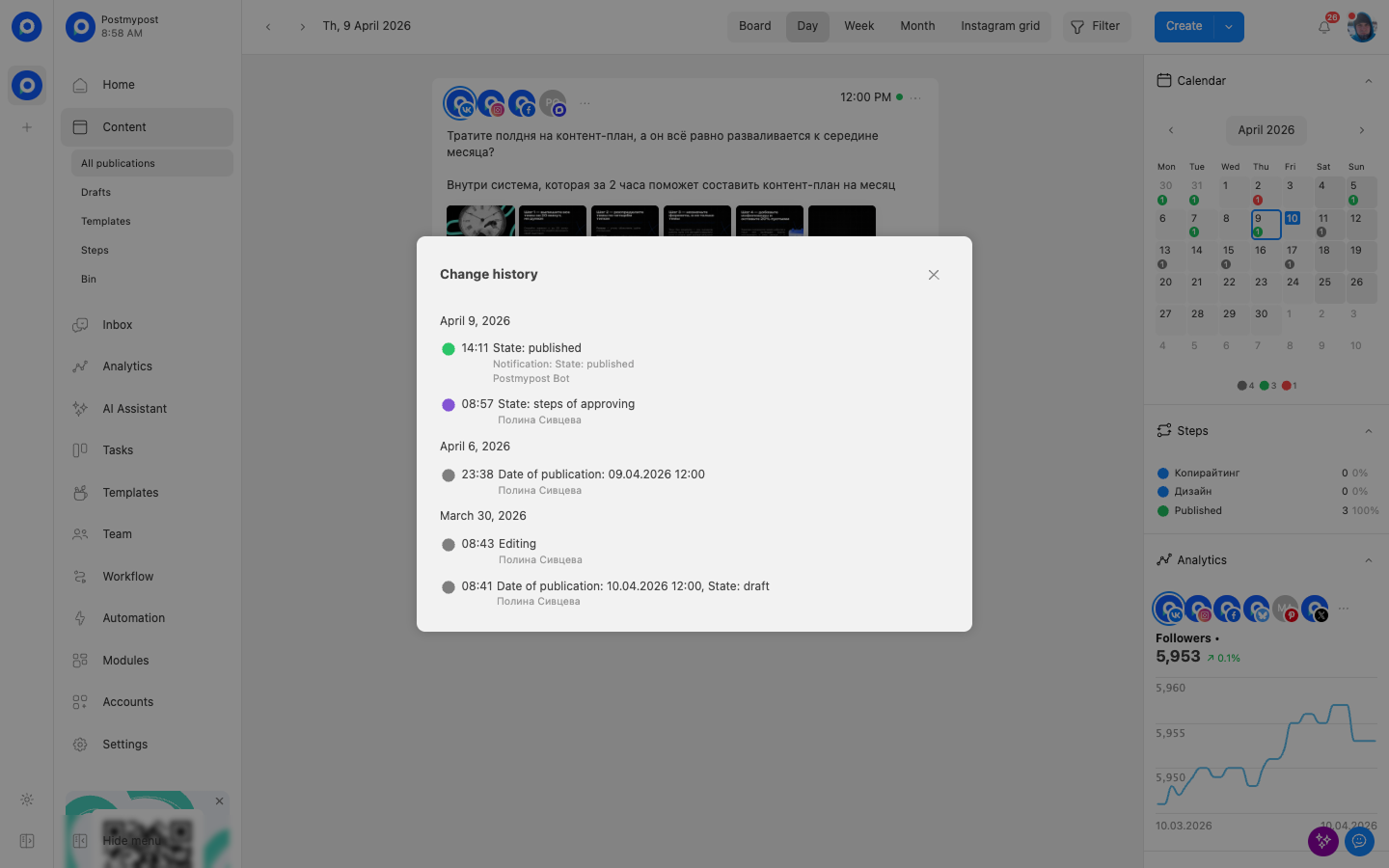
The history records all key actions: creation, editing, rescheduling, and the publication itself. This helps you quickly understand the situation and avoid common mistakes.
Where can I find the post history?
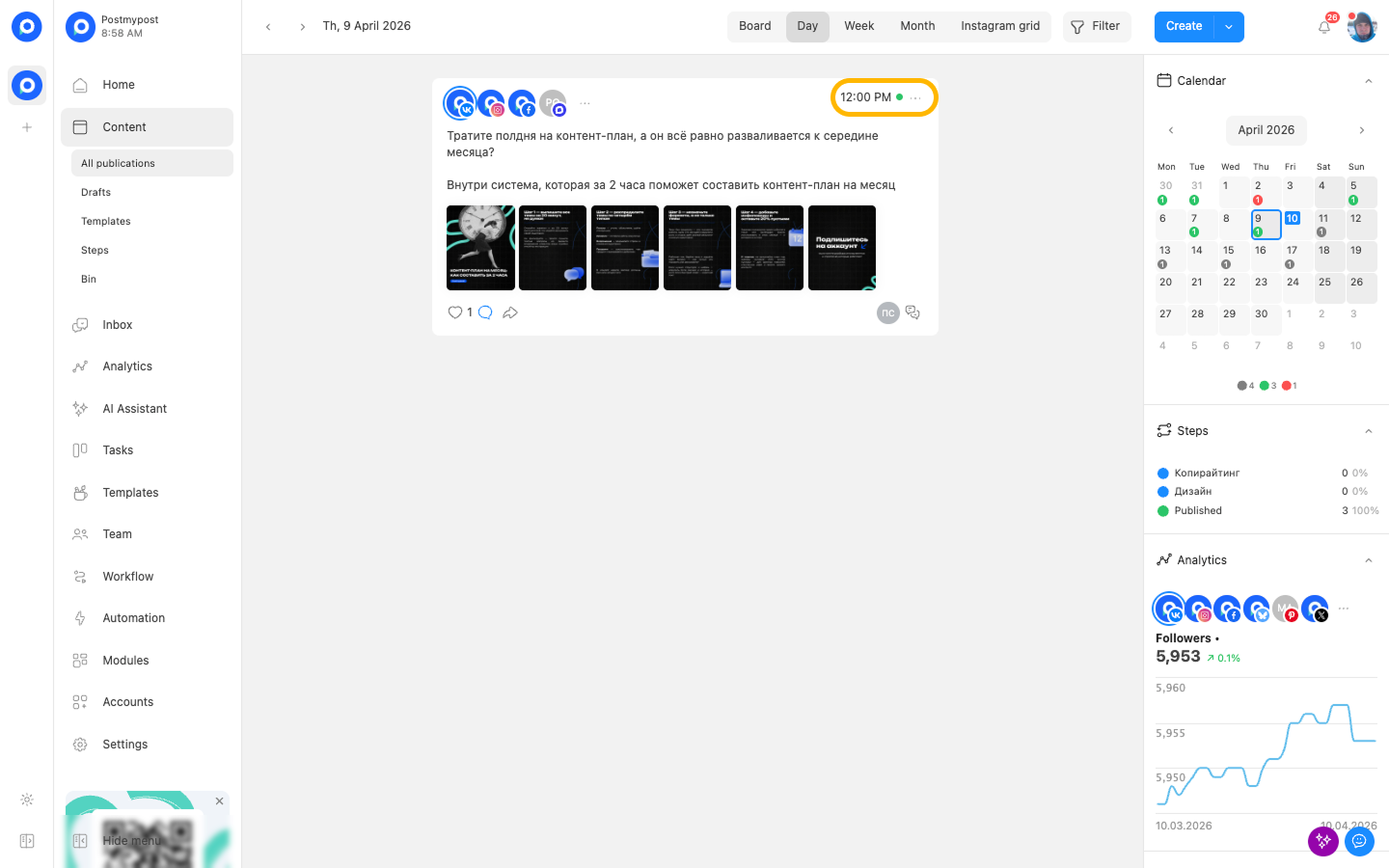
- Find the post you want and click on the three dots icon in the upper right corner.
https://postmypost.io
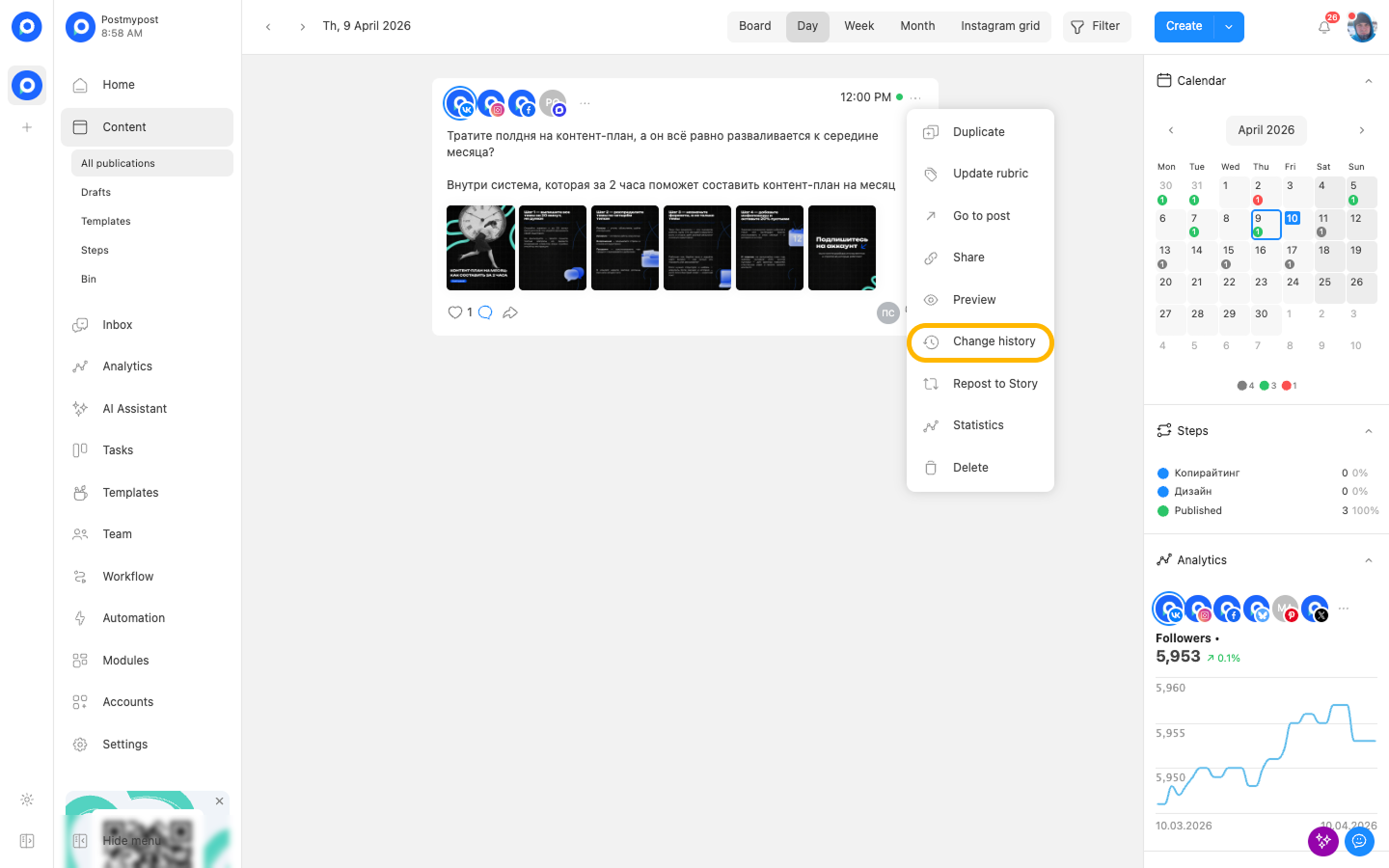
- In the menu that appears, select “Change history” (clock icon).
https://postmypost.io
- After this, a panel will open with a list of all events related to this post.
https://postmypost.io
Viewing history is the fastest way to get answers to your questions without contacting support.