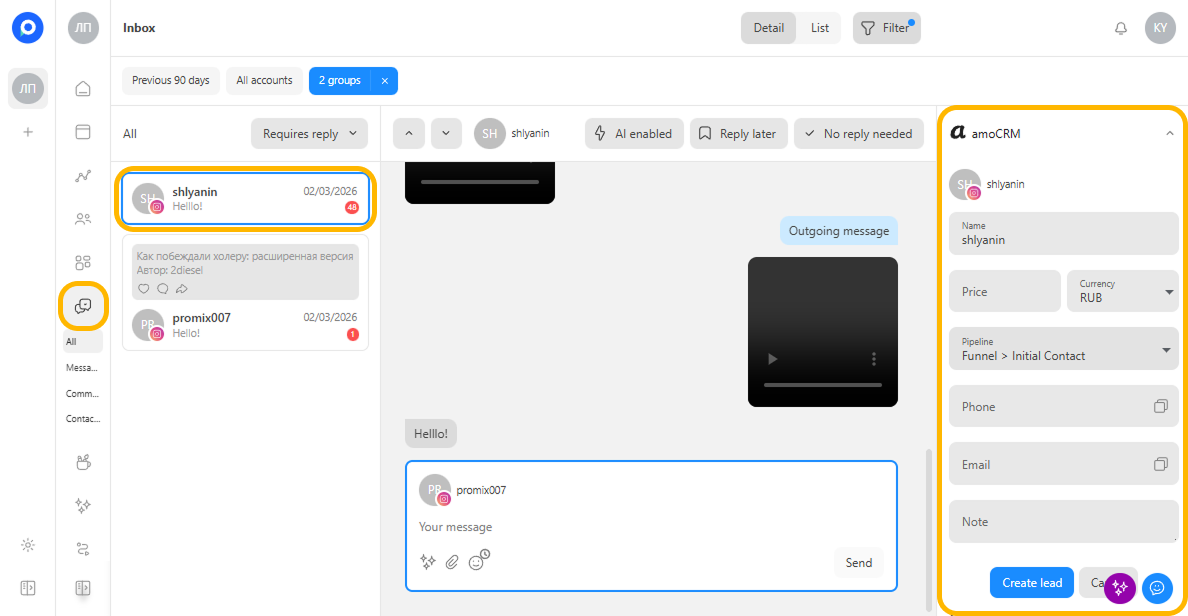
amoCRM
The amoCRM module lets you create leads from incoming messages in Postmypost and send them directly to the required pipeline and status.
How to connect amoCRM
- Go to the required project.
https://app.postmypost.io/
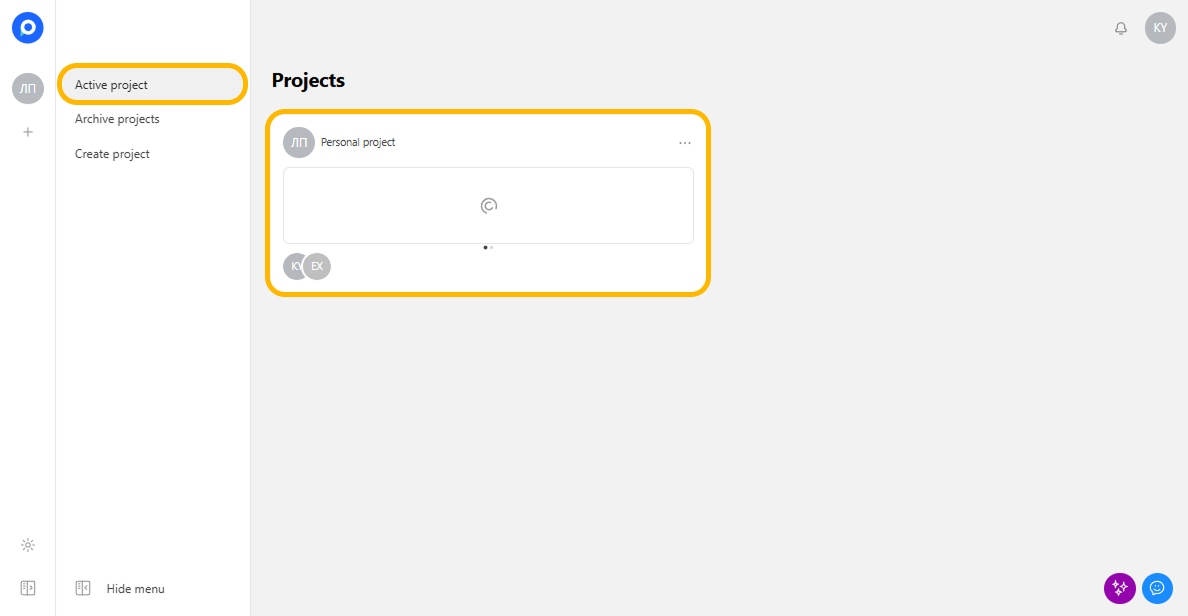
- Open the Modules section.
- Find the amoCRM module in the list.
https://app.postmypost.io/
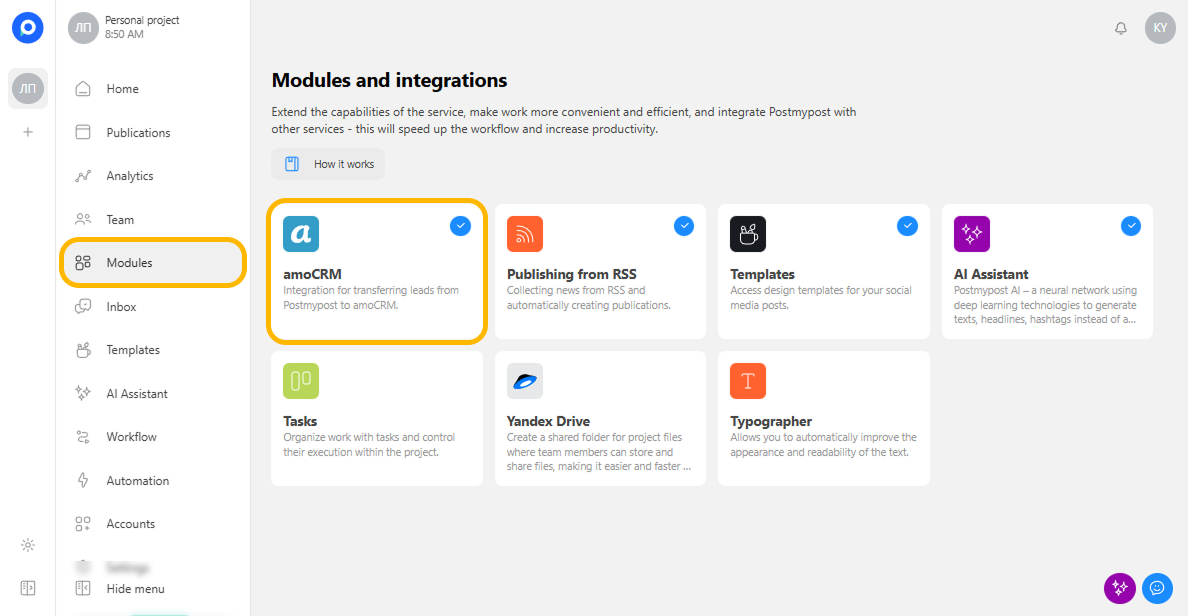
- Click Connect.
https://app.postmypost.io/
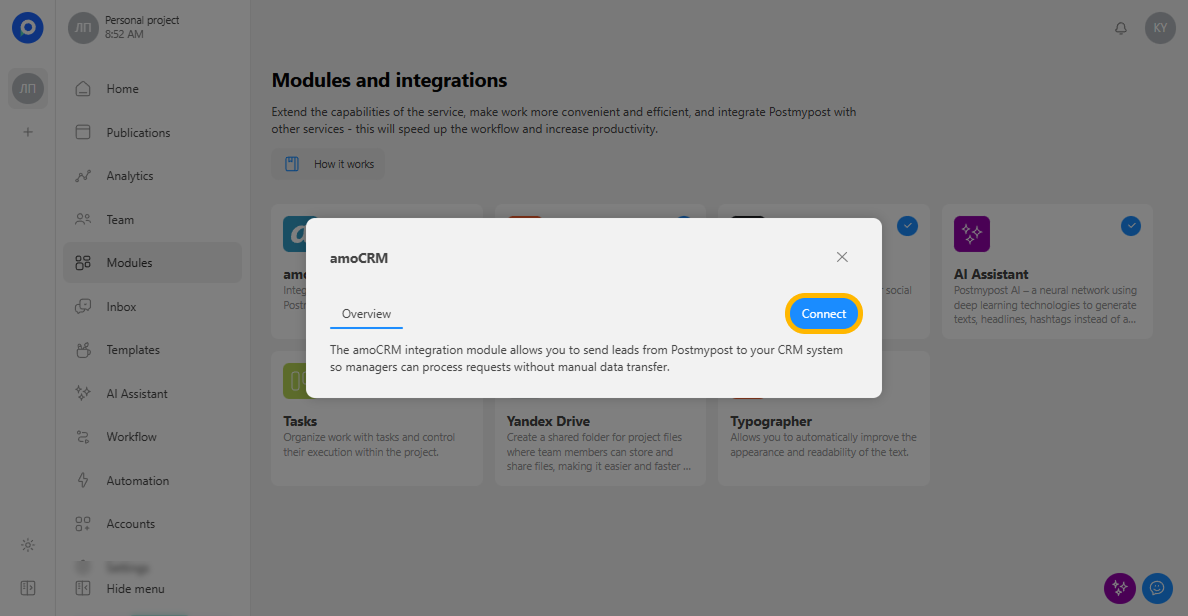
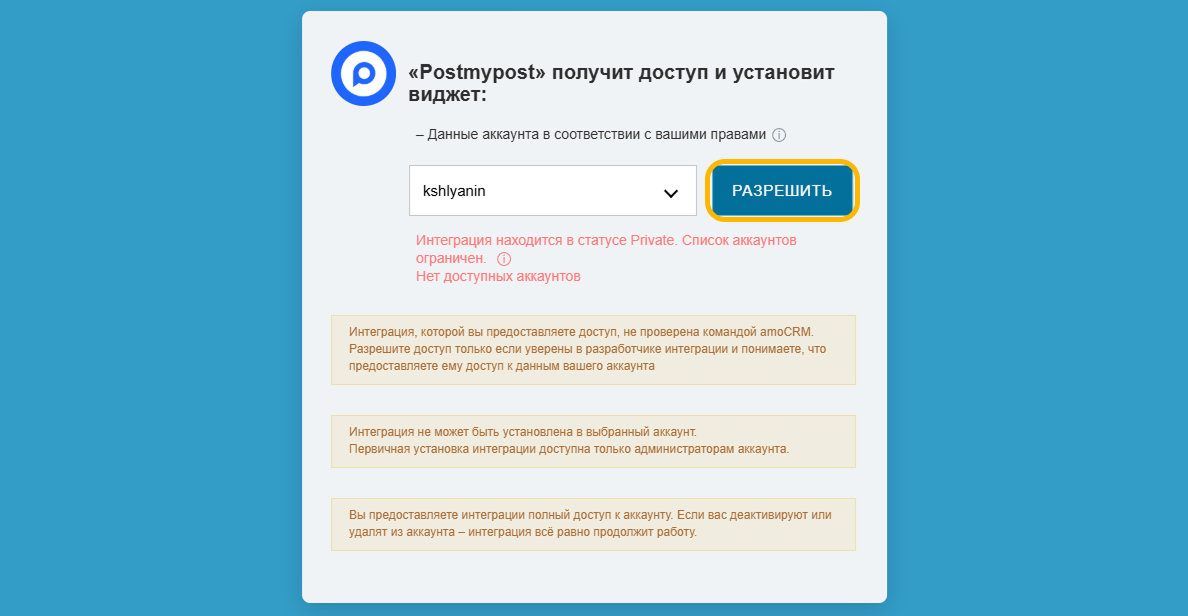
- In the pop-up window, select the required amoCRM account and click Allow.
https://app.postmypost.io/
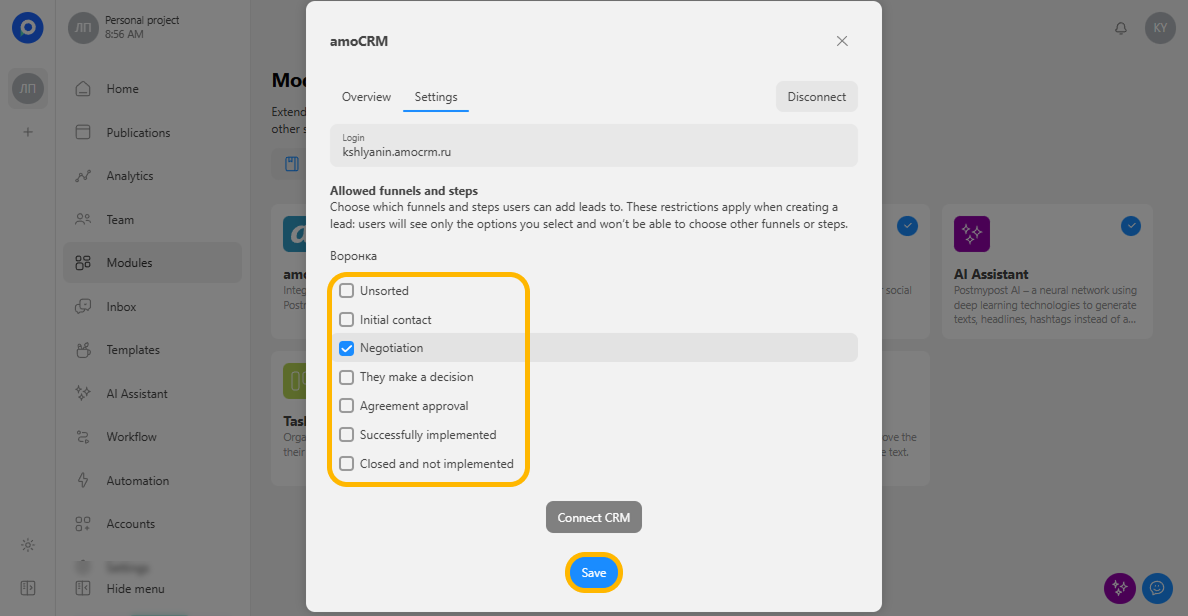
- After connecting, specify the pipelines and statuses where leads will be created.
https://app.postmypost.io/
Done! Now, in the Inbox section, you can add leads to amoCRM from a message thread.
https://app.postmypost.io/