How to add a knowledge base?
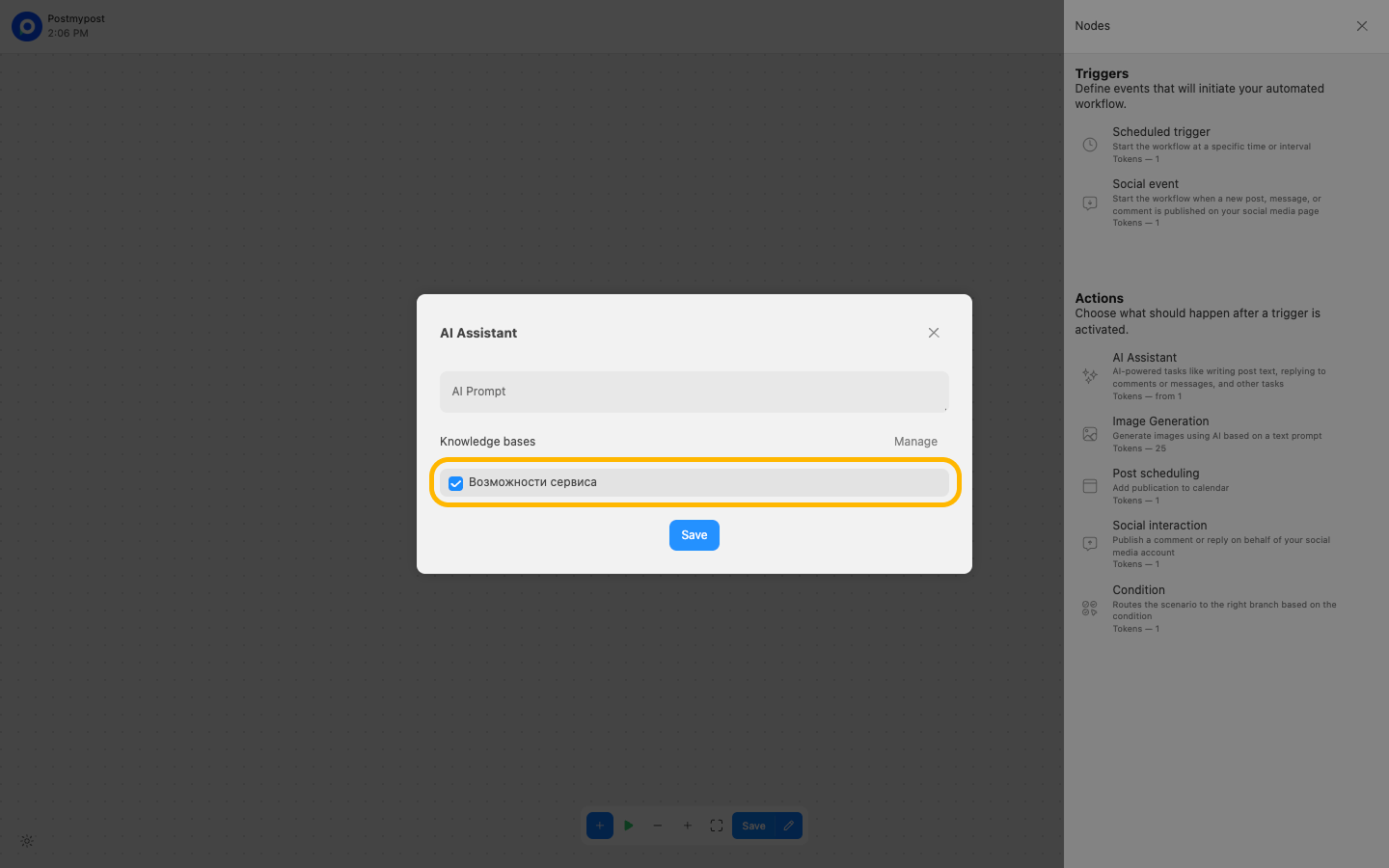
Knowledge bases allow AI to use your own data when creating content. Add documents — articles, instructions, product descriptions — and the AI will take them into account in its responses. Each knowledge base groups related documents by topic.
A knowledge base in Postmypost AI is needed so that the neural network better understands the specifics of your business, adheres to the brand voice, and uses only up-to-date and verified information when generating texts.
Instructions for adding a knowledge base
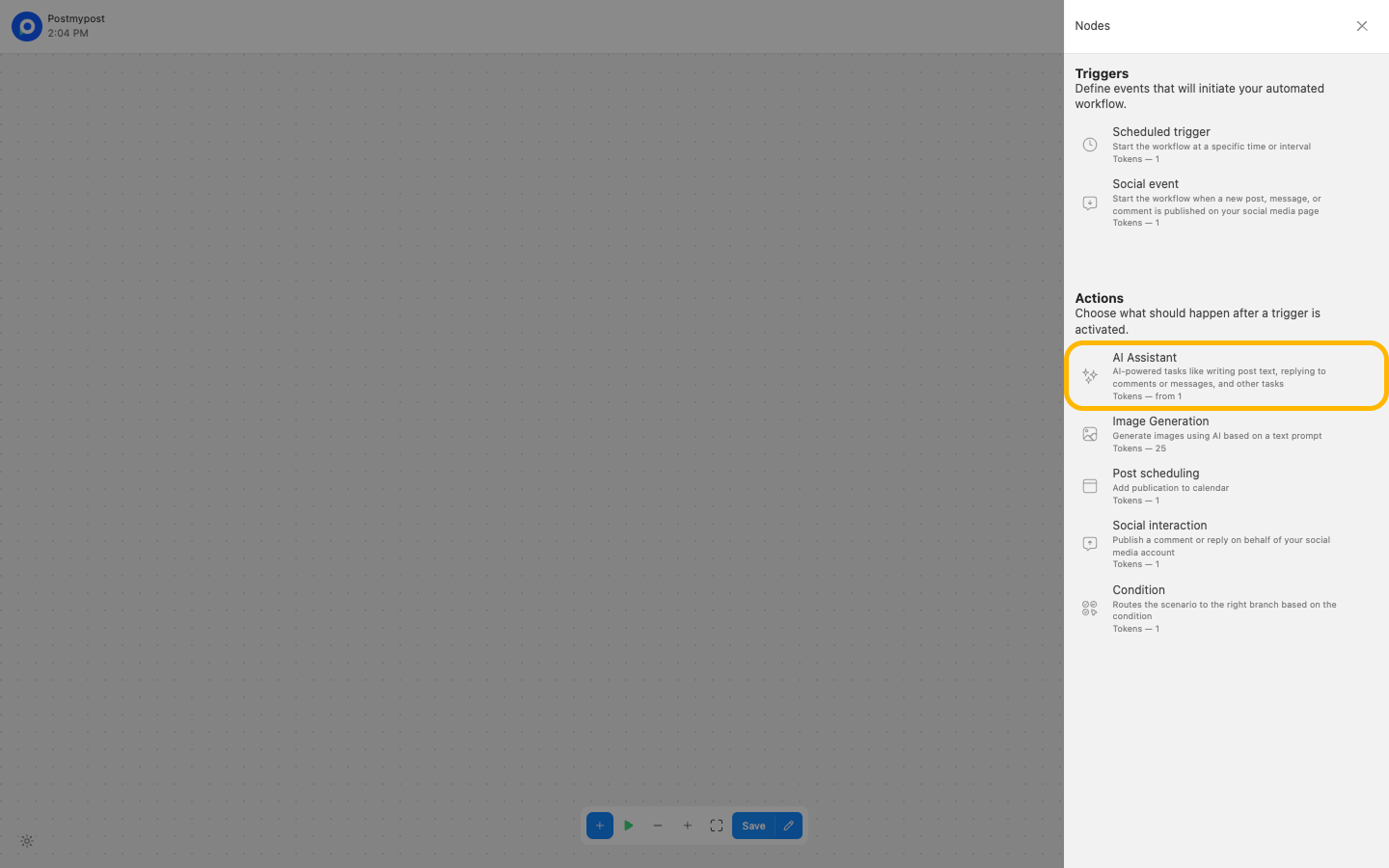
- Add the AI Assistant block.
https://app.postmypost.io/
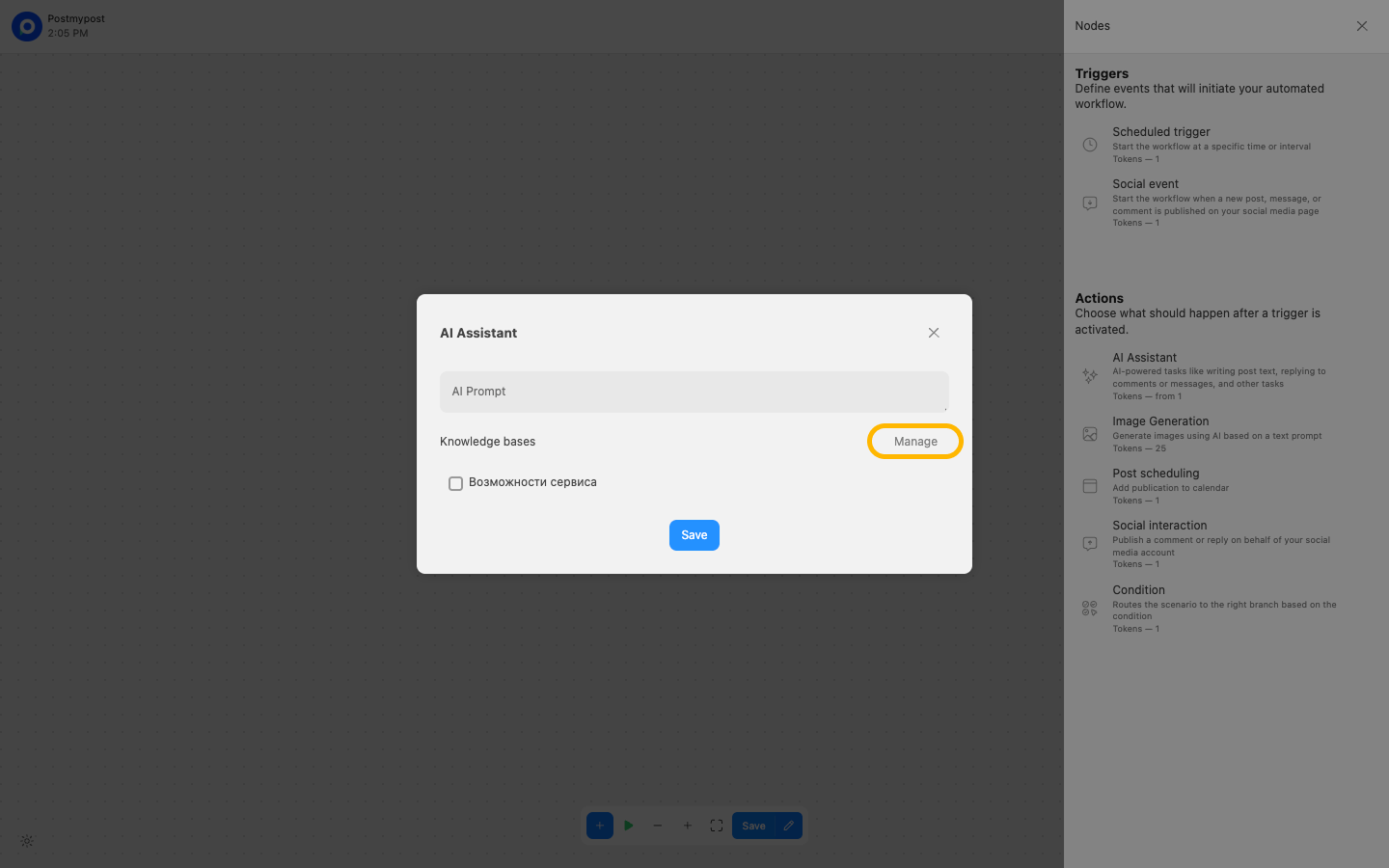
- In the Knowledge Base block, click Manage.
https://app.postmypost.io/
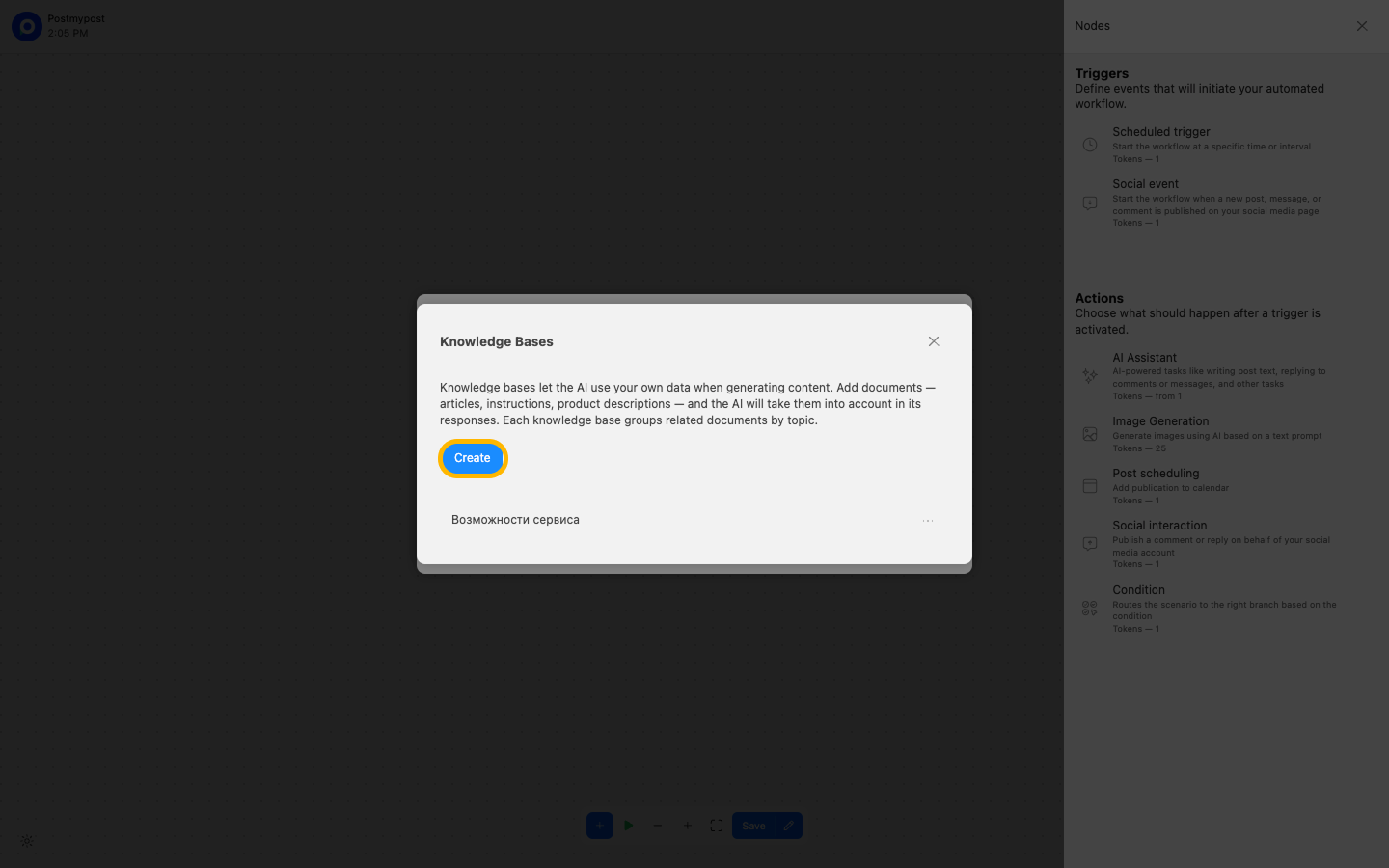
- Click Create.
https://app.postmypost.io/
- Specify the name of the knowledge base.
https://app.postmypost.io/
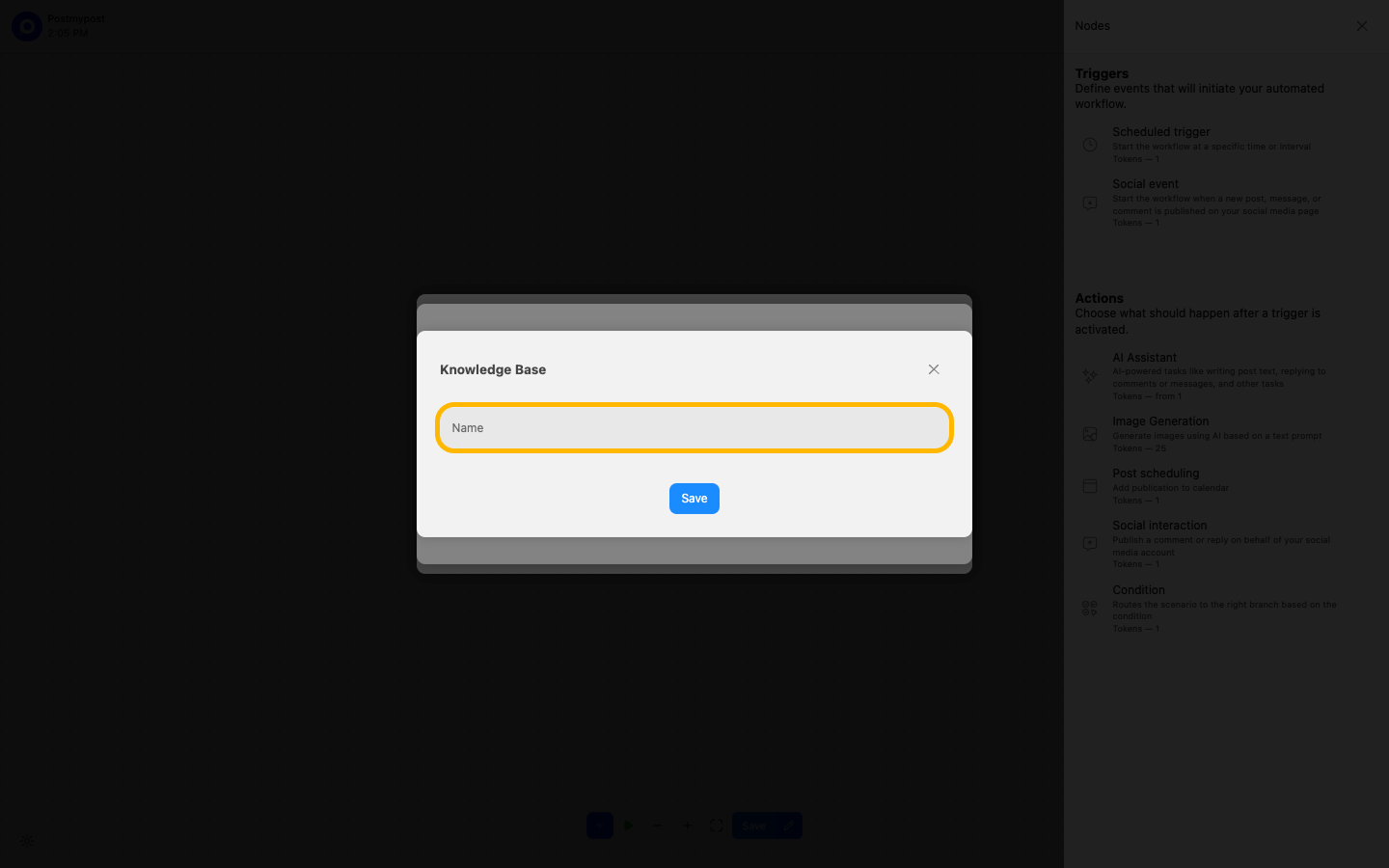
- After that, it will appear in the list.
https://app.postmypost.io/
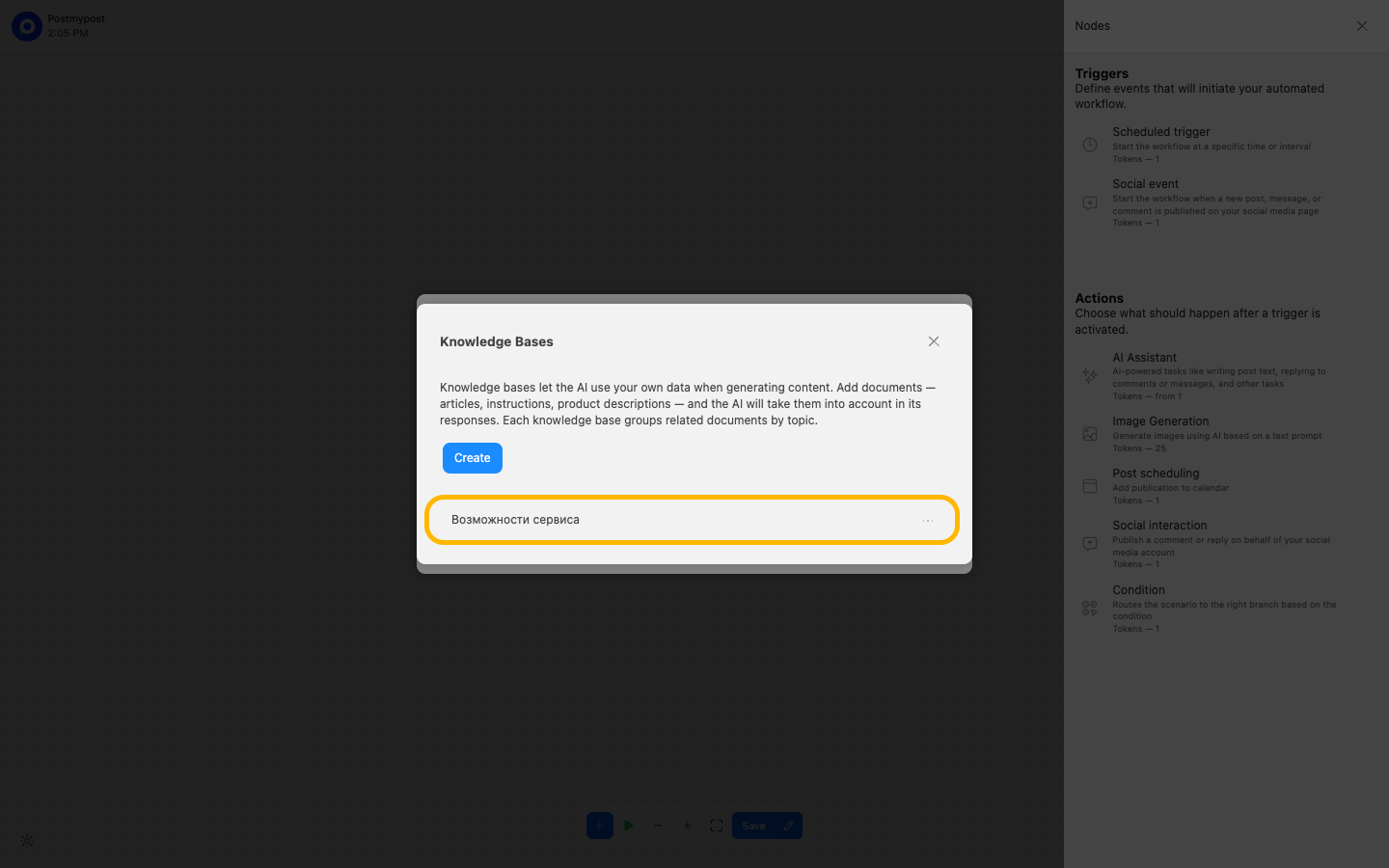
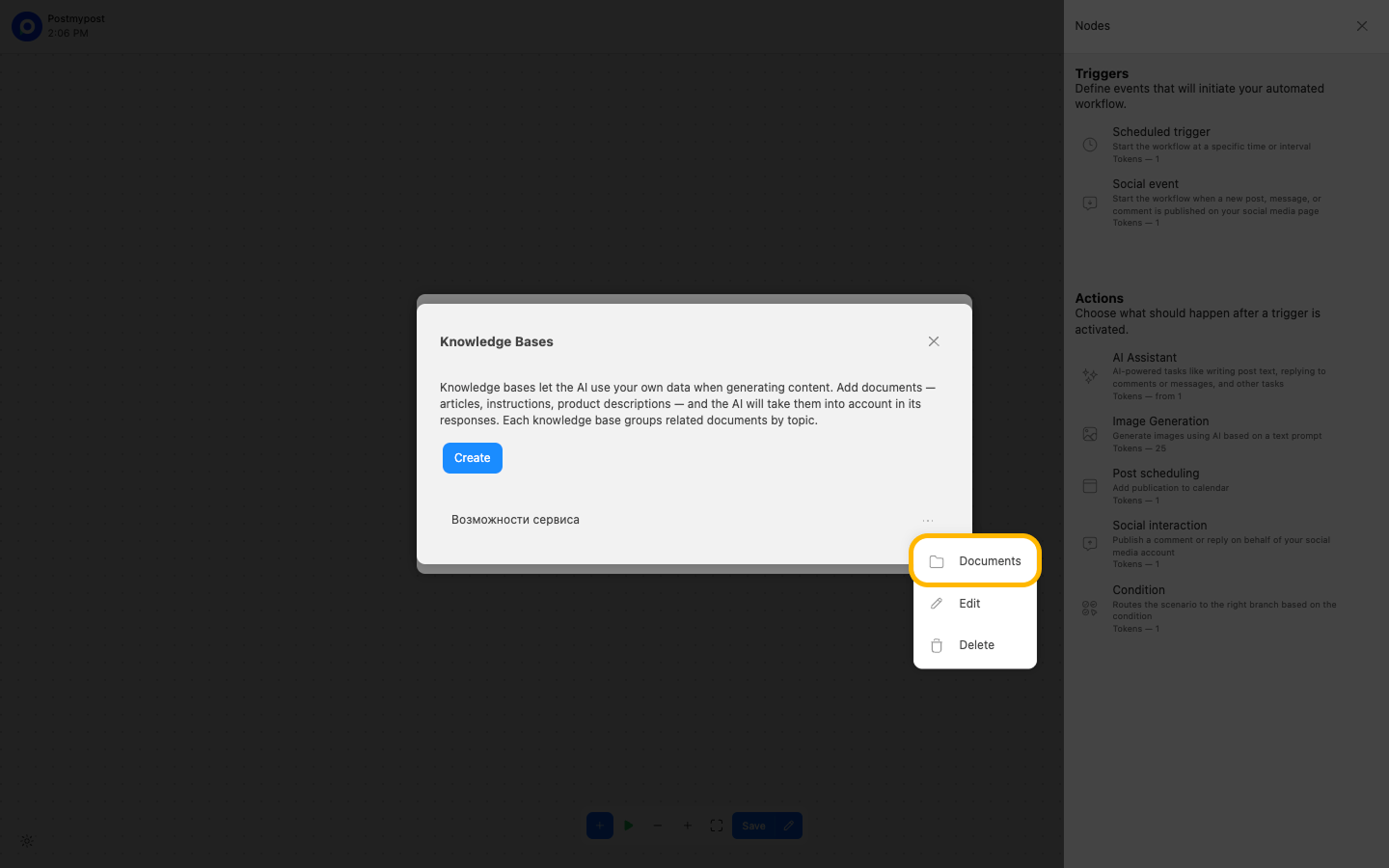
- Go to the Documents section.
https://app.postmypost.io/
- Click Add document.
https://app.postmypost.io/
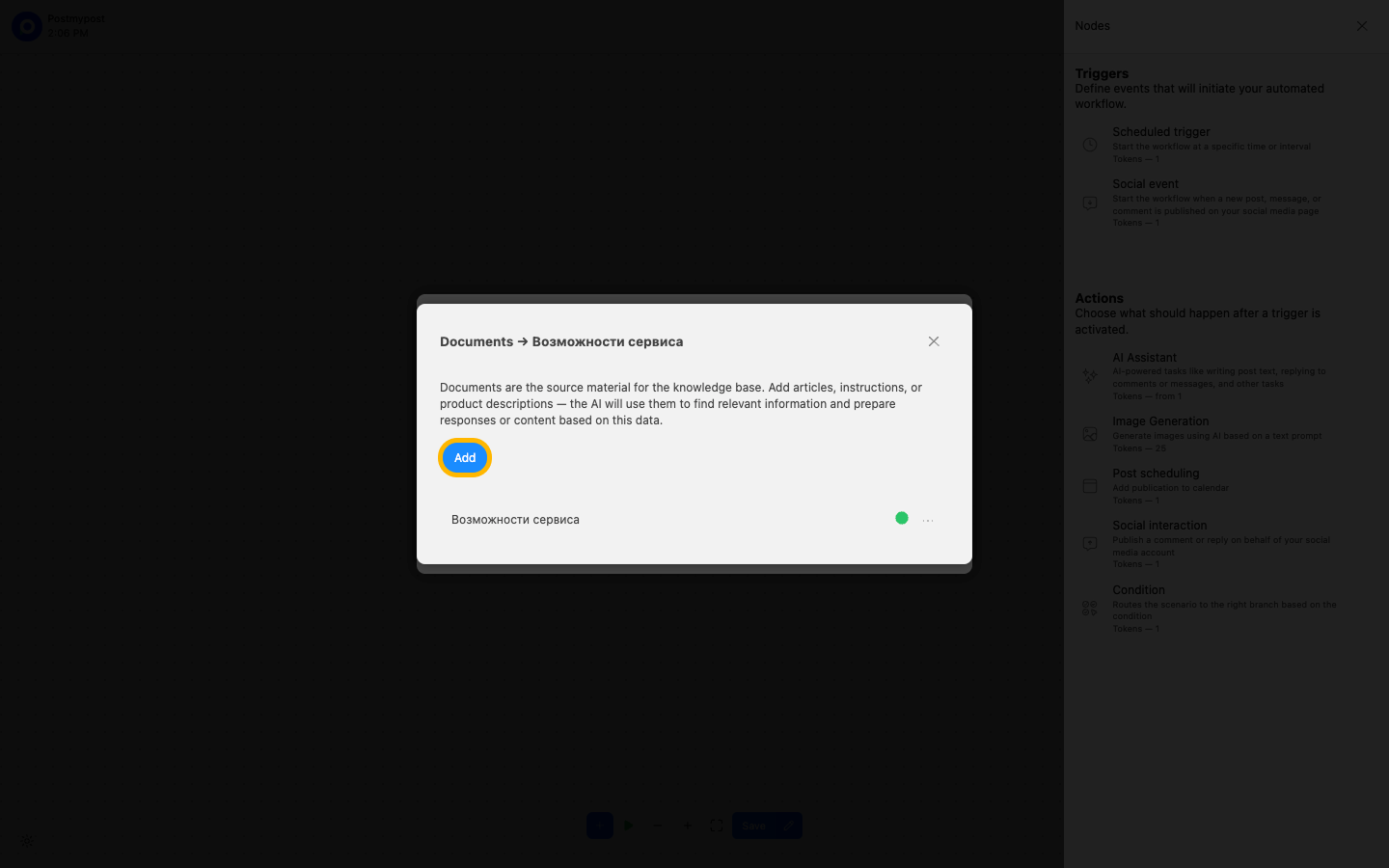
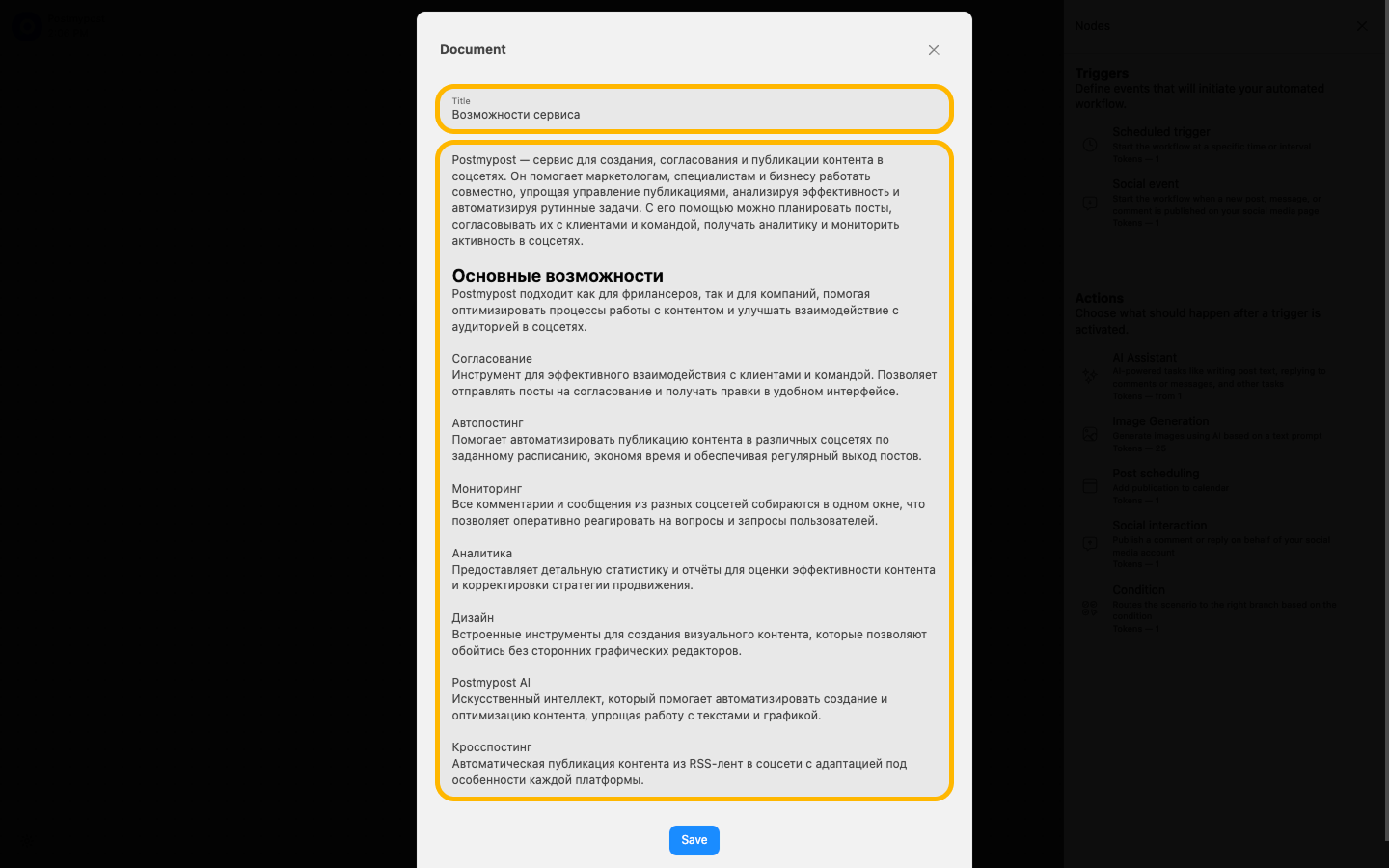
- Specify the title and text of the document.
Recommendations
- We recommend dividing information into several small documents instead of one large one.
- After adding a document, wait about 2 minutes for the AI to study it and add it to the data storage. The document status will change to "Processed".
https://app.postmypost.io/
https://app.postmypost.io/